Introduction
With the launch of the iPhone 17 series, Apple aimed to deliver cutting-edge performance, fresh designs, and new “smart” features. But early adopters are already sounding alarms. Reports have surfaced about Wi-Fi dropouts, cellular issues, design flaws, and feature glitches that are raising serious concerns among users.
In this article, we will explore these problems in depth, offer context, and consider what Apple might do next to remedy the situation.
Reported Issues Affecting iPhone 17 Users
1. Intermittent Wi-Fi Disconnection
Several users have observed that their iPhone 17 disconnects from Wi-Fi networks when the device is locked, only to reconnect when unlocked. This is particularly troublesome for services relying on continuous connection—such as wireless CarPlay or cloud syncs.
The issue appears to affect all models in the iPhone 17 lineup (iPhone 17, 17 Pro, 17 Pro Max, and iPhone Air). Some users claim that keeping their Apple Watch locked or disconnecting from other smart home devices (e.g., HomePod) may reduce the incidence of drops.
A possible culprit is Apple’s new N1 wireless chip, introduced with this series to support Wi-Fi 7 and advanced communication standards. Some users report the bug disappears after installing iOS 26.1 beta, hinting the problem is software-related.
2. Cellular and Call Stability Problems
One of the more alarming complaints is that nearly 50 percent of iPhone 17 users report issues with basic cellular functionality like making calls and maintaining signal. Calls may drop, or the phone may randomly switch between 4G and 5G even when stationary.)
These problems span multiple carriers and are not isolated to a particular region, suggesting a systemic flaw rather than a local network issue.Some users claim that updating the firmware—especially beta versions of iOS 26—helped restore connectivity.
3. Apple Intelligence Feature Glitches
One of the signature features of the new iPhone series is Apple Intelligence (AI-powered tools such as writing assistants, Genmoji, etc.). However, many users report that these features either fail to download or remain inaccessible even after installation. Apple is said to be working on a fix—potentially via a software update or server-side patch.
4. Durability & “Scratchgate”
A visible issue has also emerged: scratches and scuffs appearing on the rear surfaces of the new iPhones just days after purchase. Tests posted on social media show the devices being scratched with coins, keys, and even screwdrivers
This is especially problematic because Apple previously claimed their “ceramic shield” backings were more resistant to scratches. Some users have nicknamed this issue “Scratchgate.”
5. Criticism of Design & Color Choices
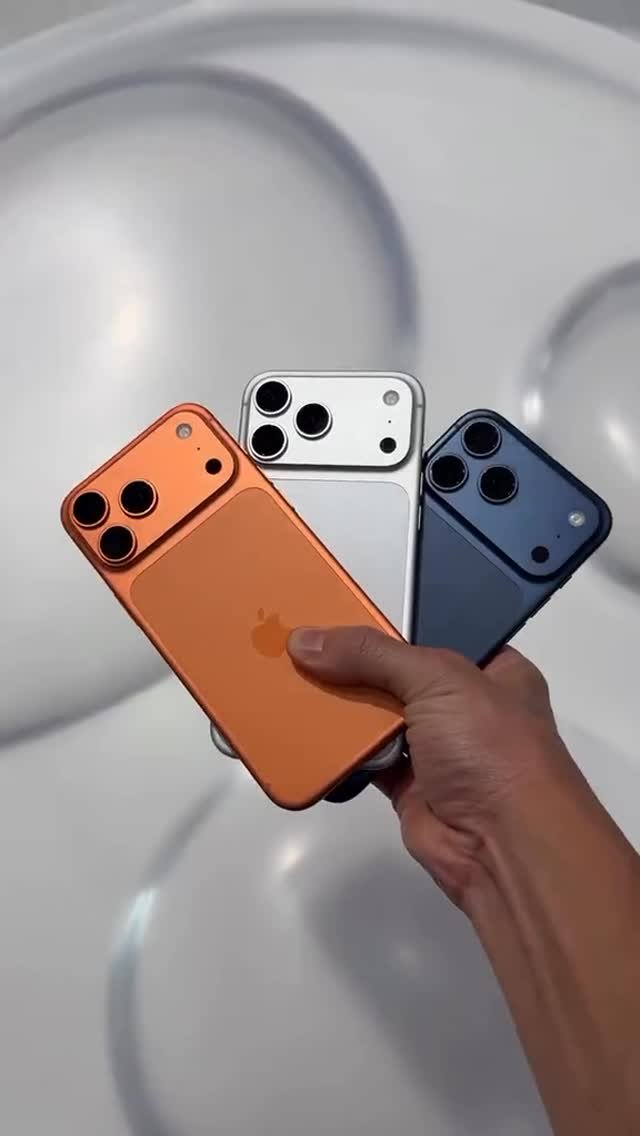
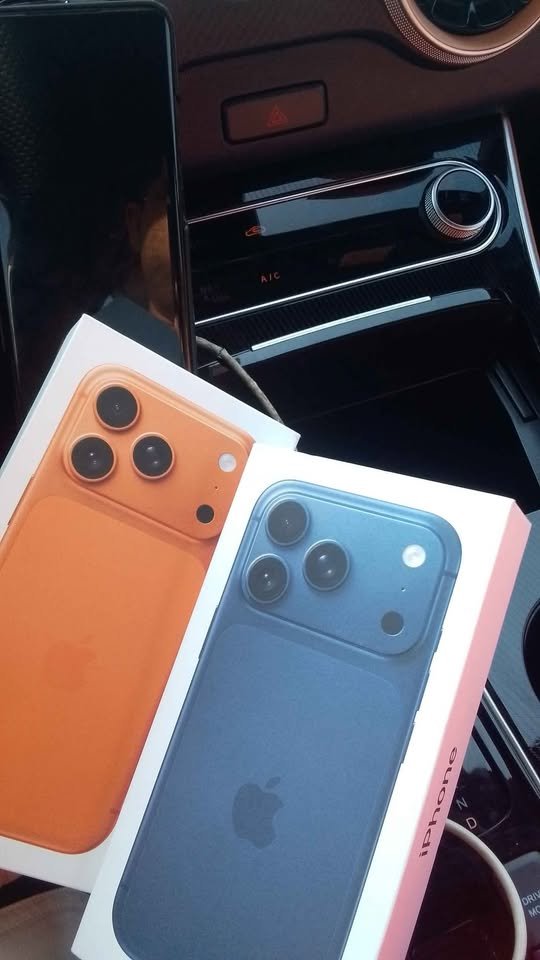
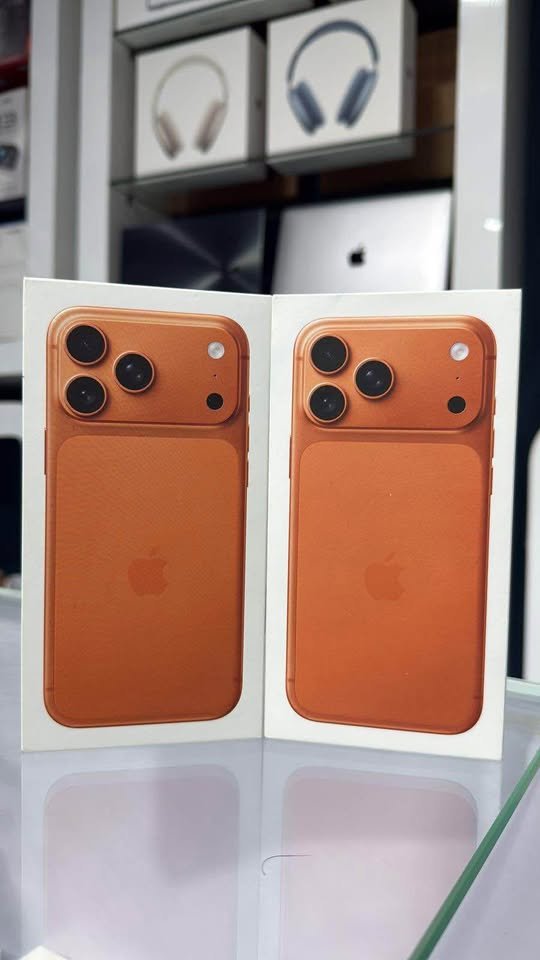
Beyond the hardware bugs, fans have criticized the aesthetic direction of the iPhone 17 series. The full-width camera bar, textured glass rear, and bold color palette (notably the lack of a black variant) have drawn backlash. Some commenters on social media labeled it the “ugliest iPhone ever.”
The new designs seem to emphasize boldness over subtlety, which may appeal to some but alienate long-time Apple loyalists.
Why Are These Issues Happening?
- Hardware adaptation growing pains: The introduction of the N1 chip for Wi-Fi 7, Bluetooth, and related protocols may have unintended interactions causing instability.
- Software maturity gap: The numerous reports of glitches that resolve (or partially resolve) upon installing iOS 26 beta updates strongly point to software bugs.
- Design trade-offs: In pushing for sleek designs and aesthetics, some durability trade-offs may have been made that are now showing under real-world use.
What Can Affected Users Do?
- Update the software
If available, install iOS 26.1 (or any incremental update) — many users report that this mitigates Wi-Fi or connectivity issues. - Reset network settings / reconnect Wi-Fi
Try forgetting the Wi-Fi network and reconnecting. Also reset network settings in iPhone settings. This can sometimes reinitialize stable connectivity. - Limit interfering devices
Temporarily disconnect devices like HomePods, disable automatic connections, and keep Apple Watch locked to see if the problem subsides. - Use a protective case
To guard against scratches, use a quality hard case or bumper until Apple addresses the durability flaw. - Contact Apple Support / request repair or replacement
If your phone frequently drops calls or becomes unreliable, reach out to Apple support to diagnose or potentially replace the device. - Monitor official patches / announcements
Apple is reportedly working on fixes for the AI glitches and connectivity problems.
Outlook & What to Expect Next
Apple’s reputation depends heavily on delivering consistency and reliability. With so many early adopters raising issues, an urgent software update or recall may be necessary to preserve user trust.
If Apple addresses these glitches promptly—and thoroughly—they could salvage consumer confidence. On the other hand, failure to do so could hamper the iPhone 17’s reception and open Apple to backlash over quality control.

Conclusion
The iPhone 17 was heralded as Apple’s next big leap, packed with AI tools, fresh design, and advanced hardware. But reports of Wi-Fi dropouts, cellular instability, feature malfunctions, and surface damage are dampening the initial excitement.
If you’ve already purchased one, staying up to date with software updates, using protective accessories, and monitoring Apple’s official support site are your best strategies until Apple issues a full fix.